 Lince2D
 Features
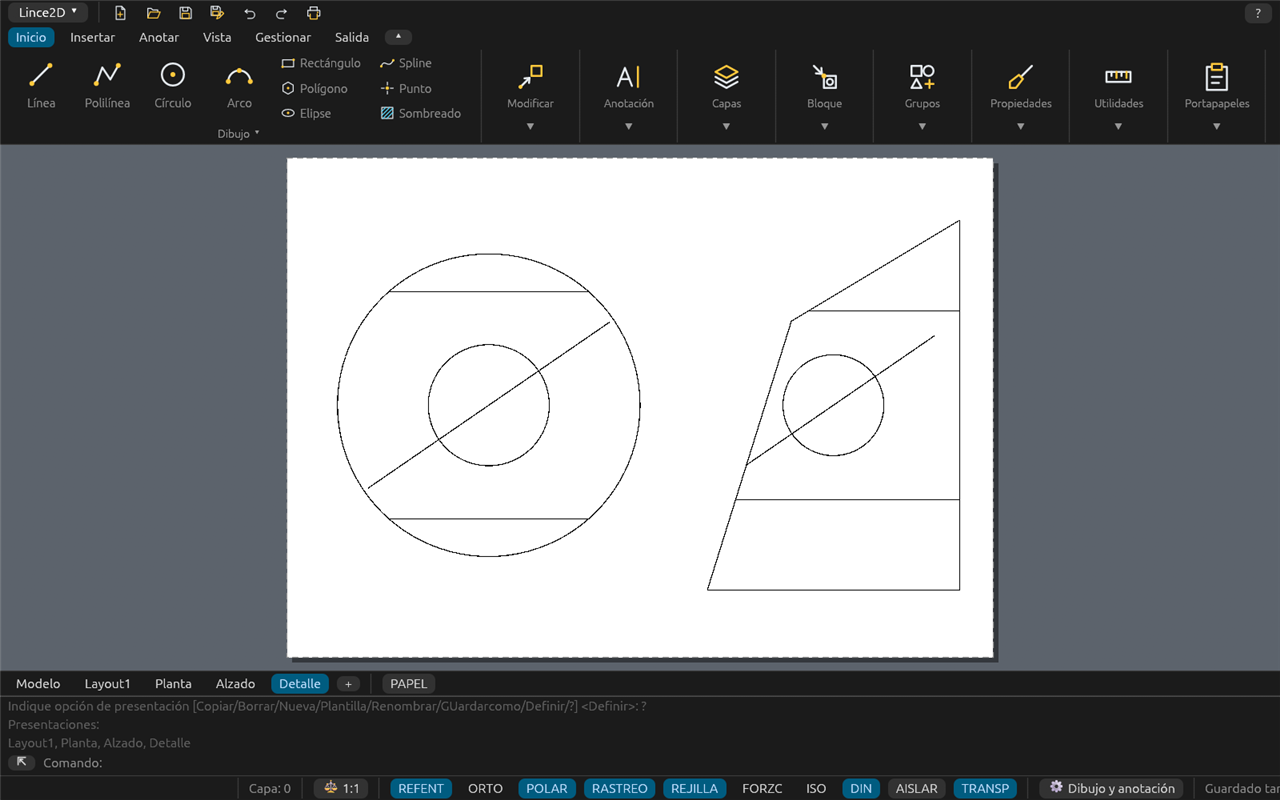
What version 0.1.5-beta does today, by area. Only what is already in the program is listed; what is missing is at the end, under Not there yet. Every command has its own page in the help and manual. Screenshots show the Spanish interface.
Files and compatibility
- DWG: opens R14 to 2018 (AutoCAD 2018 to 2027 use this same format) and saves as R14, 2000, 2004, 2007, 2010, 2013 and 2018.
- DXF: opens R12 to 2018 and saves as R12, 2000, 2004, 2007, 2010, 2013 and 2018.
- The open document is the DWG itself: objects the program does not edit (3D solids, proxies, vertical-application objects) are kept on save.
.dwttemplates (metric ISO and imperial included), recent files and a start page.- Several drawings open in tabs, with a clipboard between them.
- Autosave,
.bakcopy, safe saving (never leaves a half-written file), AUDIT and RECOVER. - If a command hits an internal error, the operation is undone and the program stays open; if it cannot go on, it saves your drawings so you can recover them on the next start.
- ETRANSMIT: a ZIP with the drawing and everything it needs (references, images, fonts, plot styles).
Interface
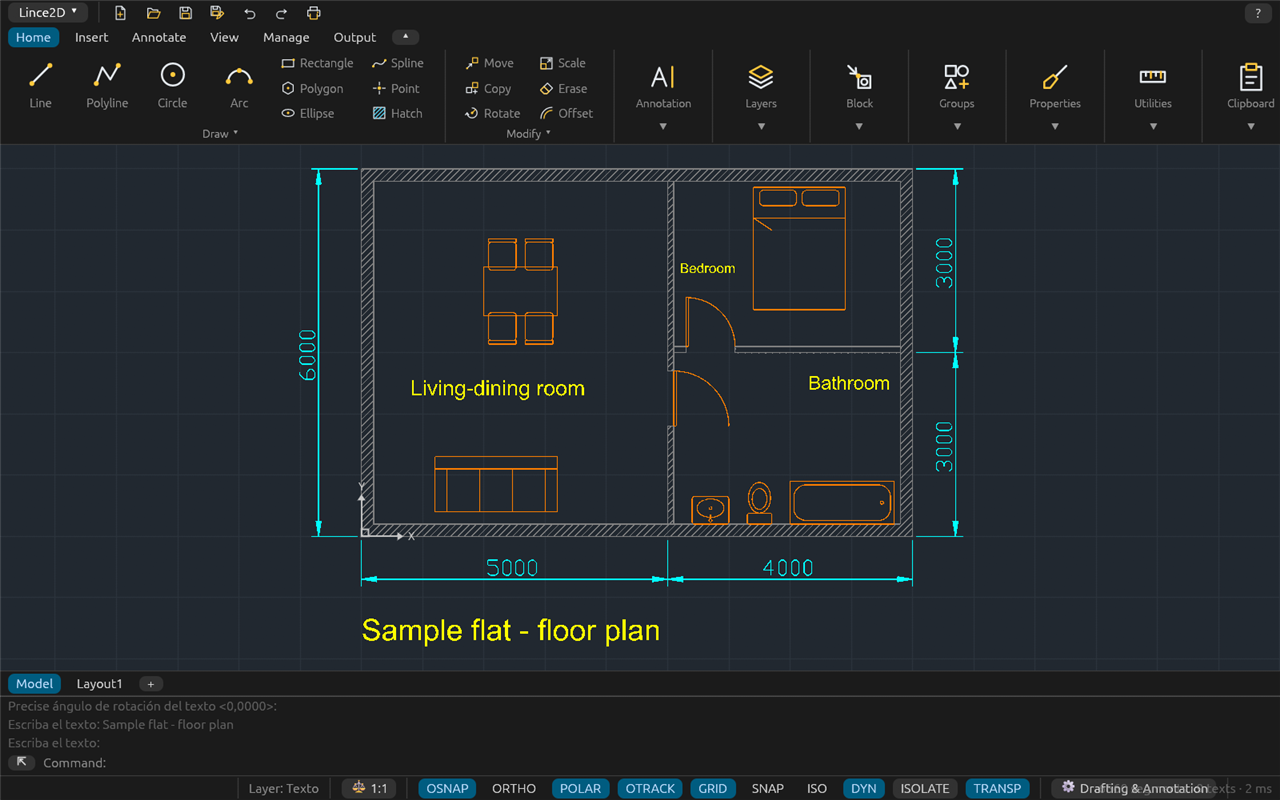
- Ribbon workspace (collapsible) or Classic workspace with menus and toolbars.
- Command line with autocomplete, history and clickable options. Every command has a Spanish name, an English global name (
_LINE) and aliases; the English interface uses the English names. - Dockable palettes: Properties, Layers, Blocks, DesignCenter, External References and tool palettes.
- Shortcut menu, double-click to edit each object type, and extended tooltips on every button.
- Customisable ribbon, toolbars, keyboard shortcuts and aliases.
- Complete English and Spanish; more languages can be added without recompiling.
Drawing
- Line, polyline, circle, arc, ellipse, spline, rectangle, polygon and point.
- Construction lines and rays, multilines, revision clouds, wipeouts, donuts, 2D solids, regions and boundaries, divide and measure.
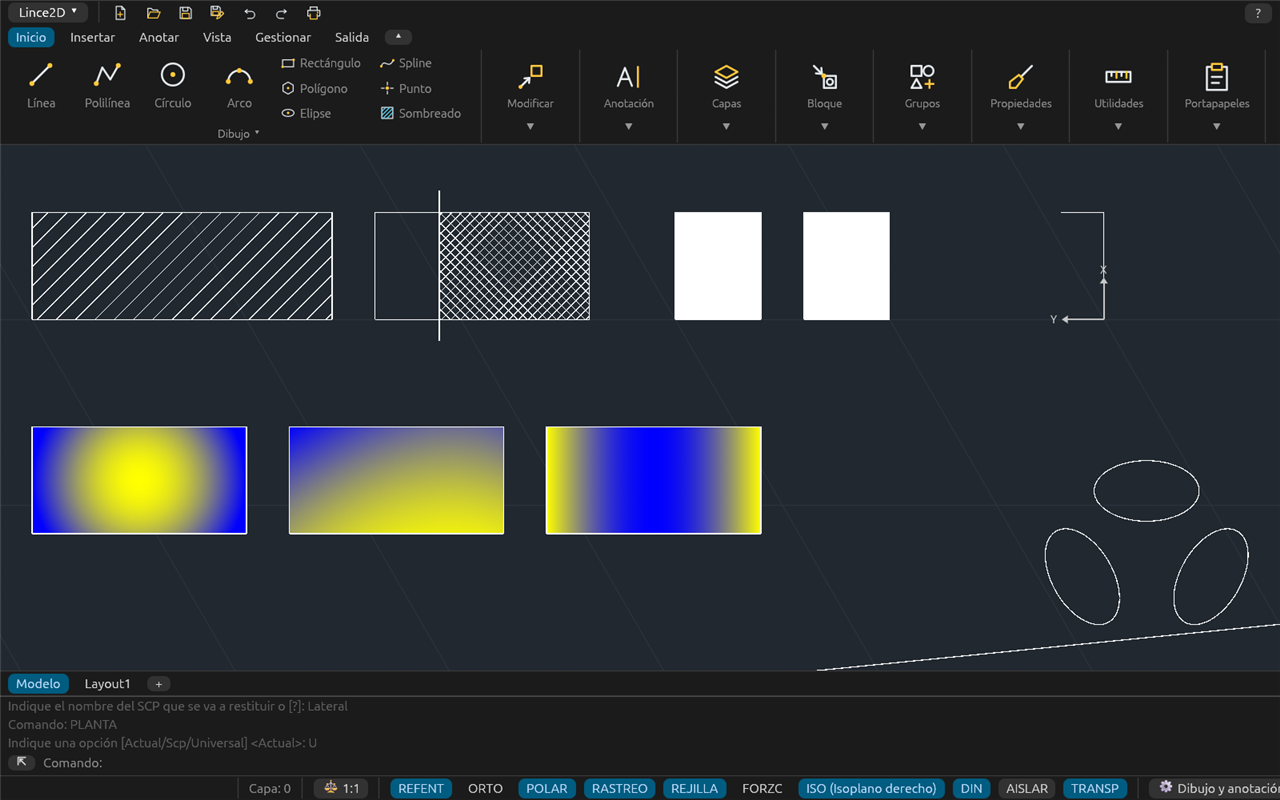
- Pattern hatches, associative and editable; gradients of the nine usual types.
- Isometric drafting (isoplanes and isocircles).
Precision
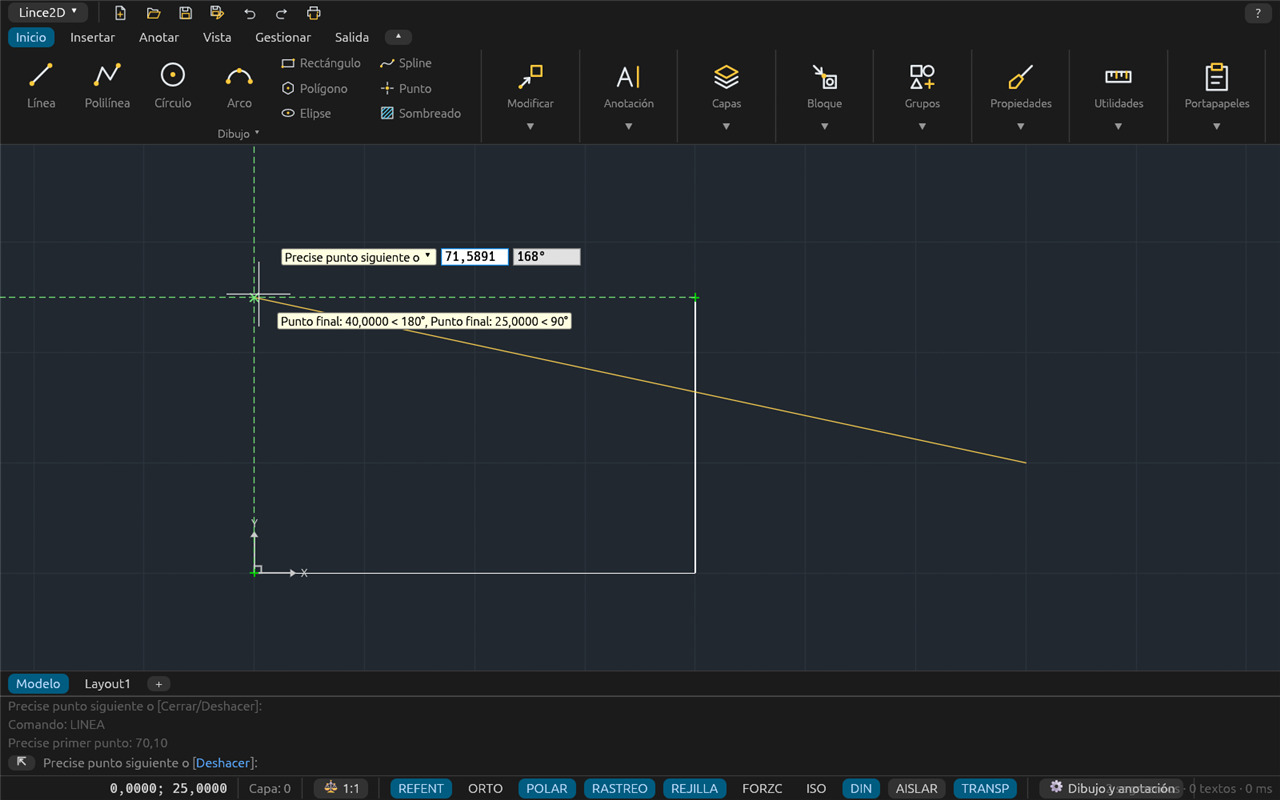
- Object snaps (endpoint, midpoint, centre, intersection, perpendicular, tangent, quadrant, extension…), also inside blocks.
- Polar tracking and object snap tracking, ortho, grid and snap.
- Dynamic input next to the cursor, and absolute, relative and polar coordinates.
- 2D user coordinate systems (UCS) and rotated plan view.
Editing
- Move, copy, rotate, scale, mirror, offset, array, trim, extend, fillet, chamfer, break, stretch, lengthen, align and explode.
- Polyline and spline editing, duplicate removal (OVERKILL), groups, isolate and hide objects.
- Editable grips (stretch, move, rotate, scale, mirror), also on dimensions, tables and dynamic blocks.
- Properties palette for every 2D object, and match properties.
- Undo and redo that store only what changed: fast and light on memory even with drawings of hundreds of thousands of entities.
Layers and properties
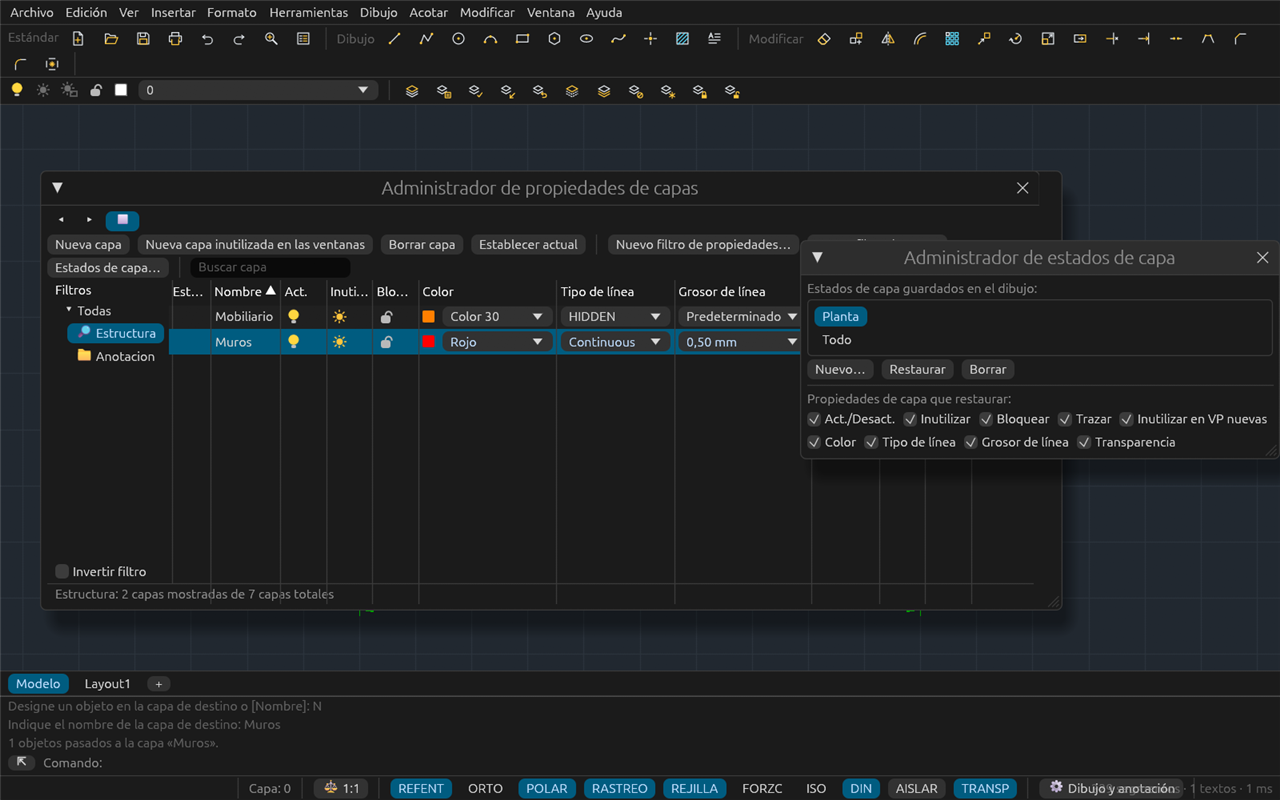
- Layer manager with filters and layer states; per-viewport layer freezing.
- Layer toolbar with on/off, freeze, lock and colour; fourteen layer commands.
- Colours, linetypes, lineweights and transparency by layer or by object.
Text, dimensions and annotation
- Single-line and multiline text with an editor; text styles with SHX and TrueType fonts.
- Fields, find and replace, and spell checking in English and Spanish.
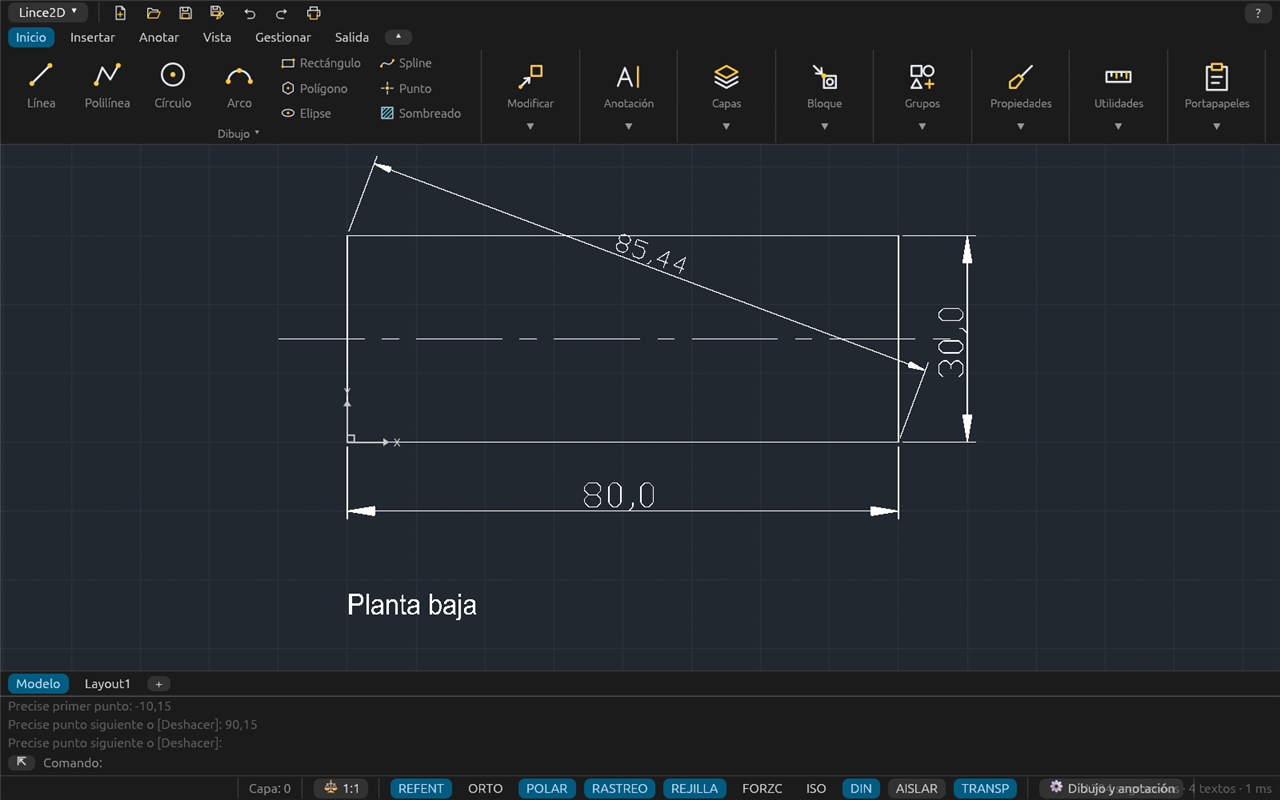
- Linear, aligned, angular, radius, diameter, arc length and ordinate dimensions; continued, baseline and quick dimensions; jogged dimensions, tolerances and dimension breaks.
- Associative and annotative dimensions, the 20 usual arrowheads, text and arrow fit, and alternate units.
- Text, dimension and multileader styles; annotation scales.
Tables
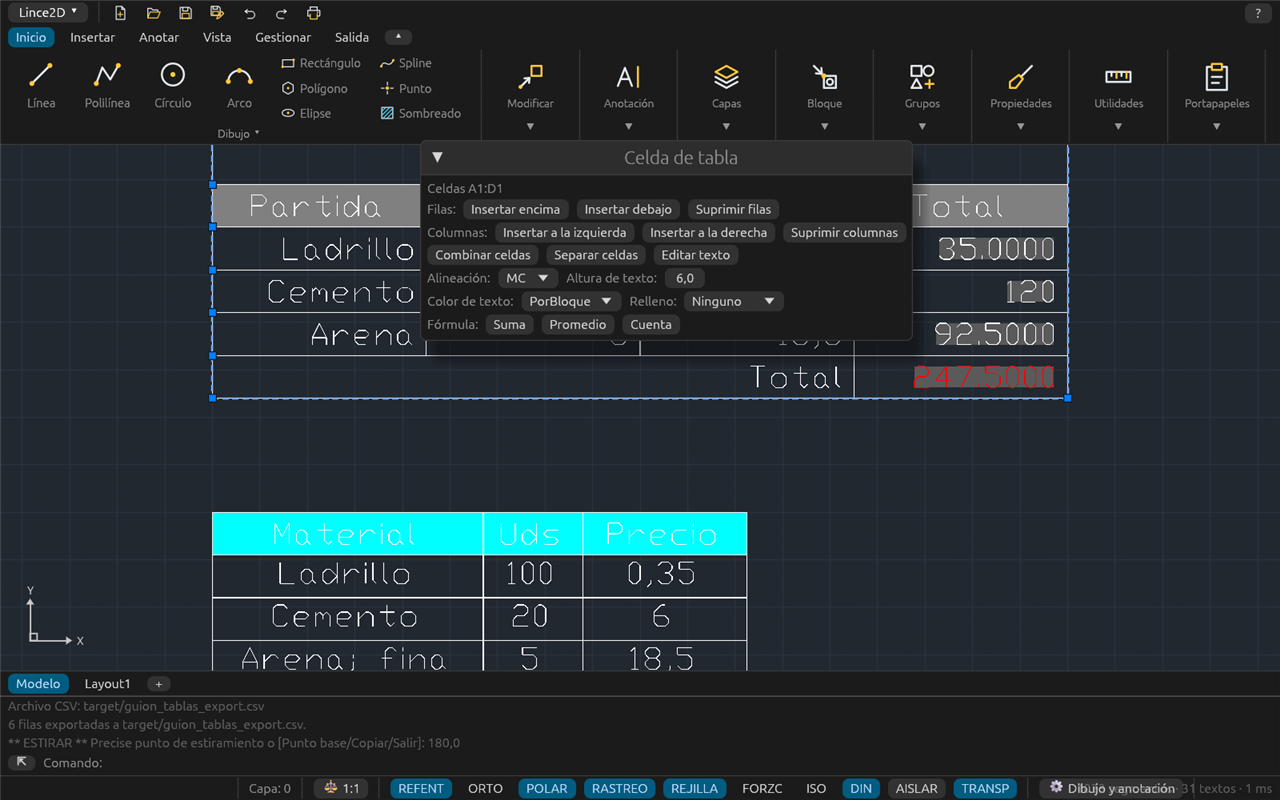
- Tables and table styles, cell, row and column editing, merged cells.
- Formulas (sum, average, count) and cell references.
- CSV import and export; block attribute extraction to a table or CSV.
Blocks and attributes
- Create, insert and redefine blocks; write blocks to a file; insert drawings.
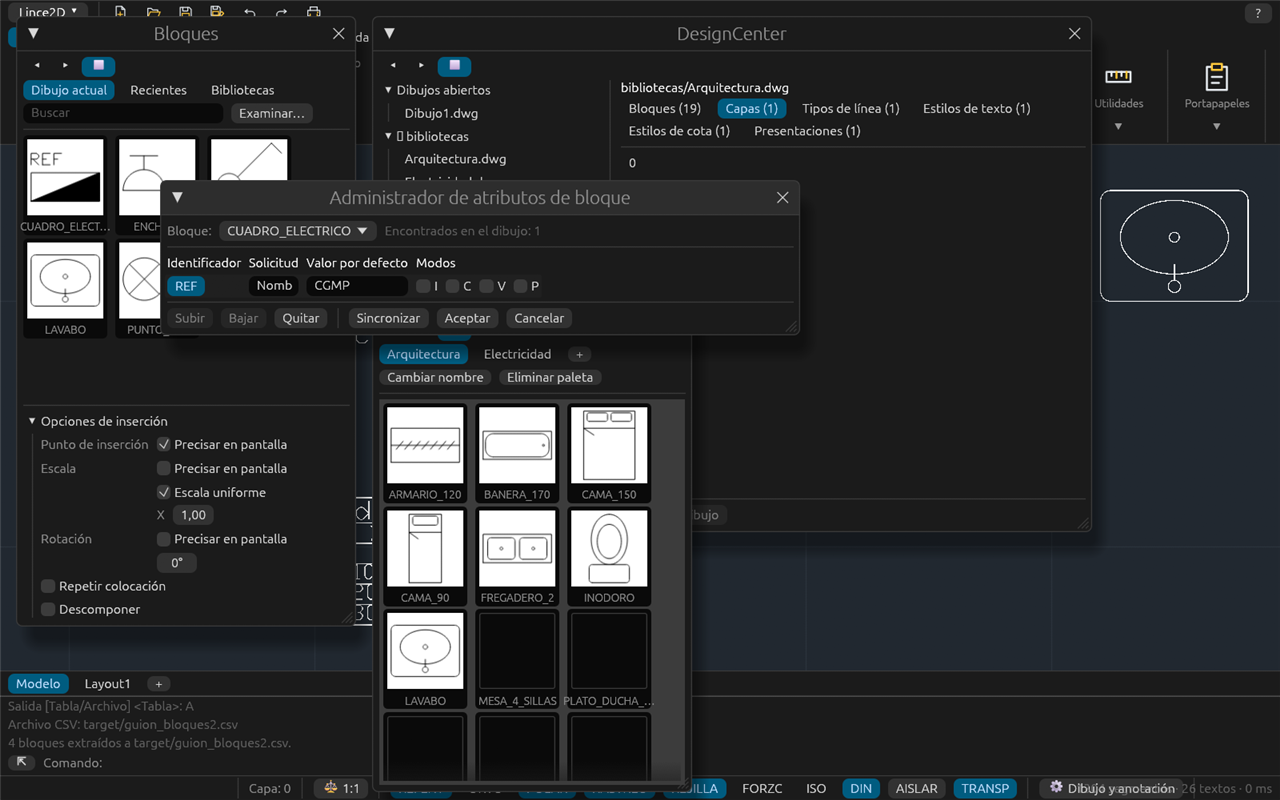
- Attributes with manager, synchronisation and extraction.
- Blocks palette with thumbnails, recent blocks and libraries; DesignCenter and tool palettes.
- Bundled architecture and electrical symbol library.
- Dynamic blocks: used with their parameters (visibility, flip, stretch, array…) and kept dynamic.
- Block editor.
External references, images and georeferencing
- External references: attach, overlay, bind, unload, nested and clipped.
- PDF underlays with their layers.
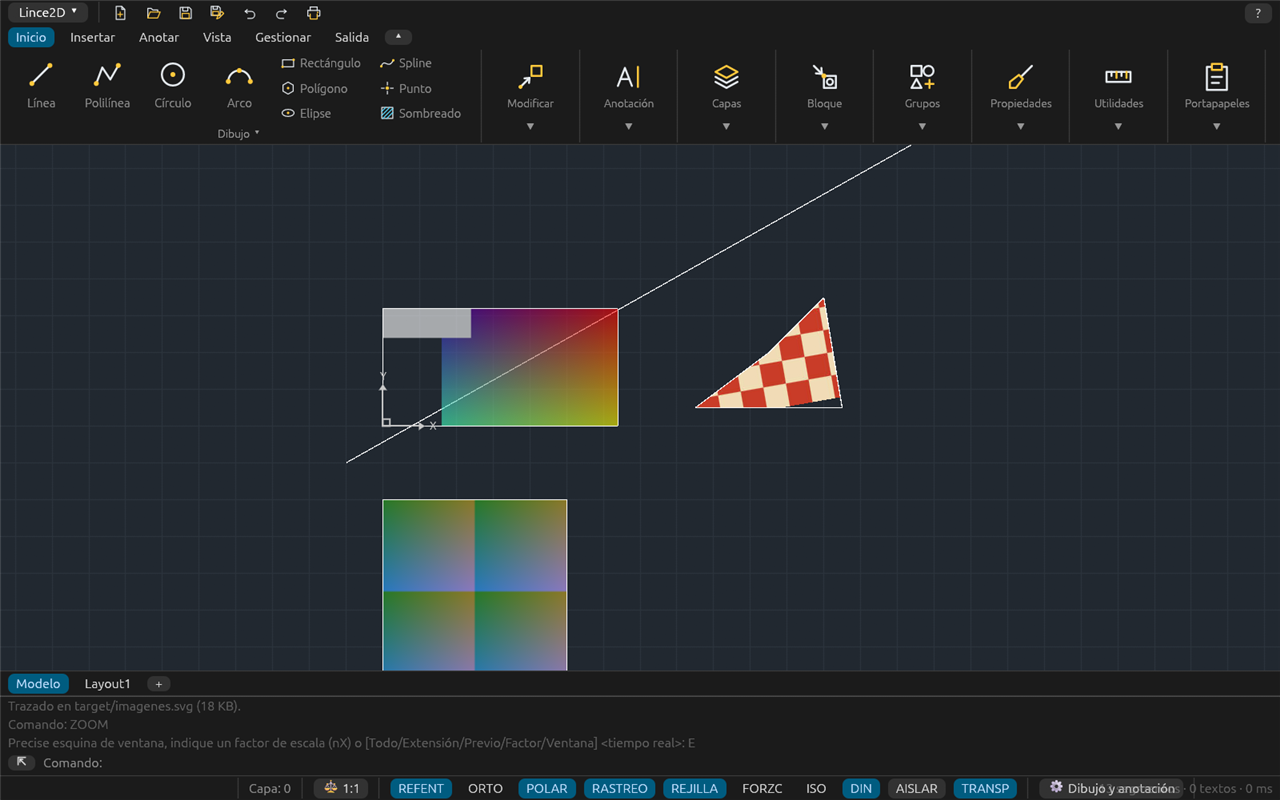
- Tiled raster images (orthophotos over 1 GB) with clipping, adjustment and transparency.
- Georeferenced images from world files and GeoTIFF.
- Drawing coordinate system by EPSG code; SHP (with DBF), KML/KMZ and GeoJSON import and export.
Layouts and plotting
- Create, copy, rename, reorder and delete layouts; layouts from templates.
- Rectangular, polygonal or object-based viewports with scale and lock.
- Page setup, CTB and STB plot style tables, and plot preview.
- Vector PDF with layers or PDF/A-2b, SVG and PNG; Windows printers and CUPS on Linux.
- PUBLISH: several sheets, from this and other drawings, to one PDF or one per sheet.
AutoLISP and automation
- Built-in AutoLISP interpreter with about 200 functions: lists, strings, files,
get*,command,entget/entmod/entmake,ssgetwith filters, and tables. - New commands with
defun C:, loading with APPLOAD and trusted folders; automatic loading ofacaddoc.lsp. - Command scripts (SCRIPT).
Help
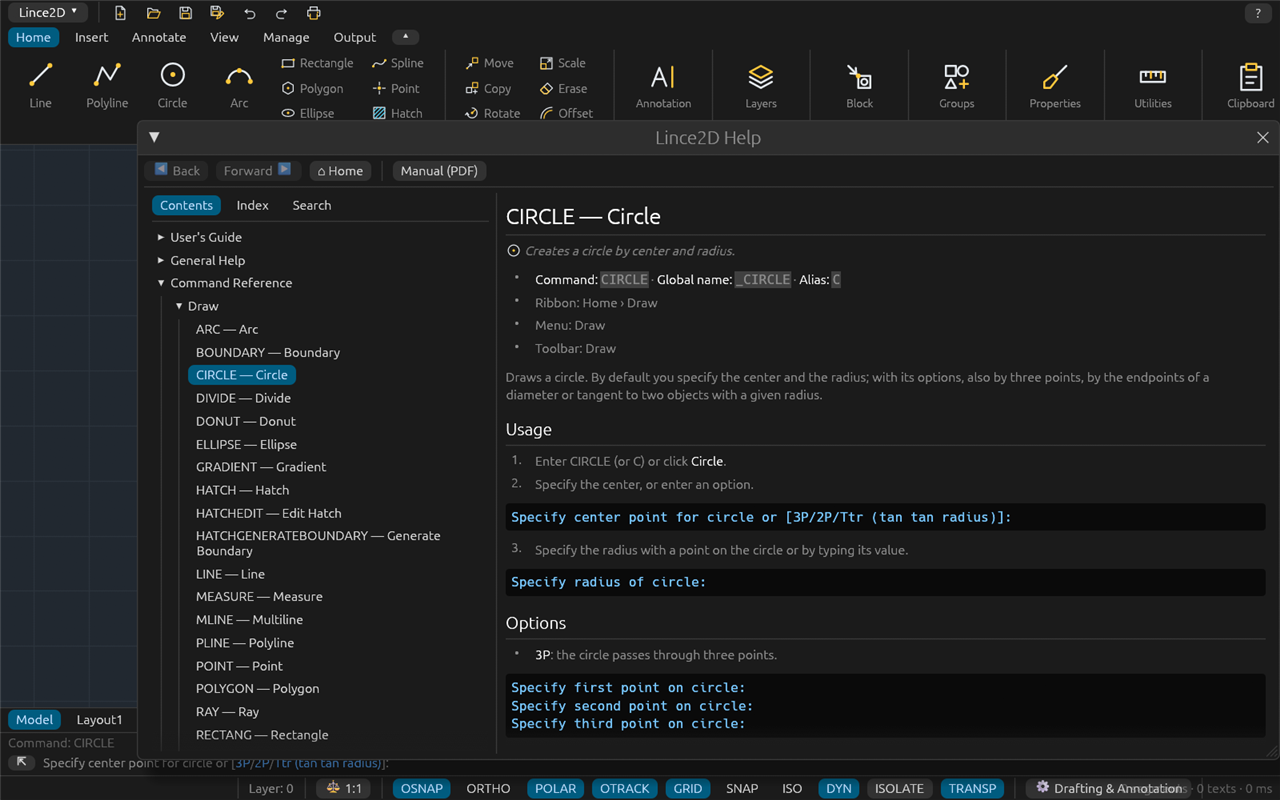
- Context-sensitive F1: the button, dialog or running command opens its page.
- About 500 pages per language: user manual, general help, reference for every command, system variables and AutoLISP functions.
- Index and full-text search.
- PDF and HTML manual, also on this site.
Not there yet
Lince2D is a beta. Among the things still missing:
- 3D viewing: solids, surfaces and meshes in DWG files are kept but not yet displayed (in development).
- 3D modelling and rendering: outside the scope of Lince2D.
- Authoring dynamic block parameters and actions (existing ones can be used).
- DWF, DGN, spreadsheet links, sheet sets and AutoLISP DCL dialogs.
- ECW and MrSID images (they can be converted to GeoTIFF first).
- Languages other than English and Spanish.